KRA Returns Deadline June 30, 2026 — What Happens If You Miss It and How to File in 20 Minutes
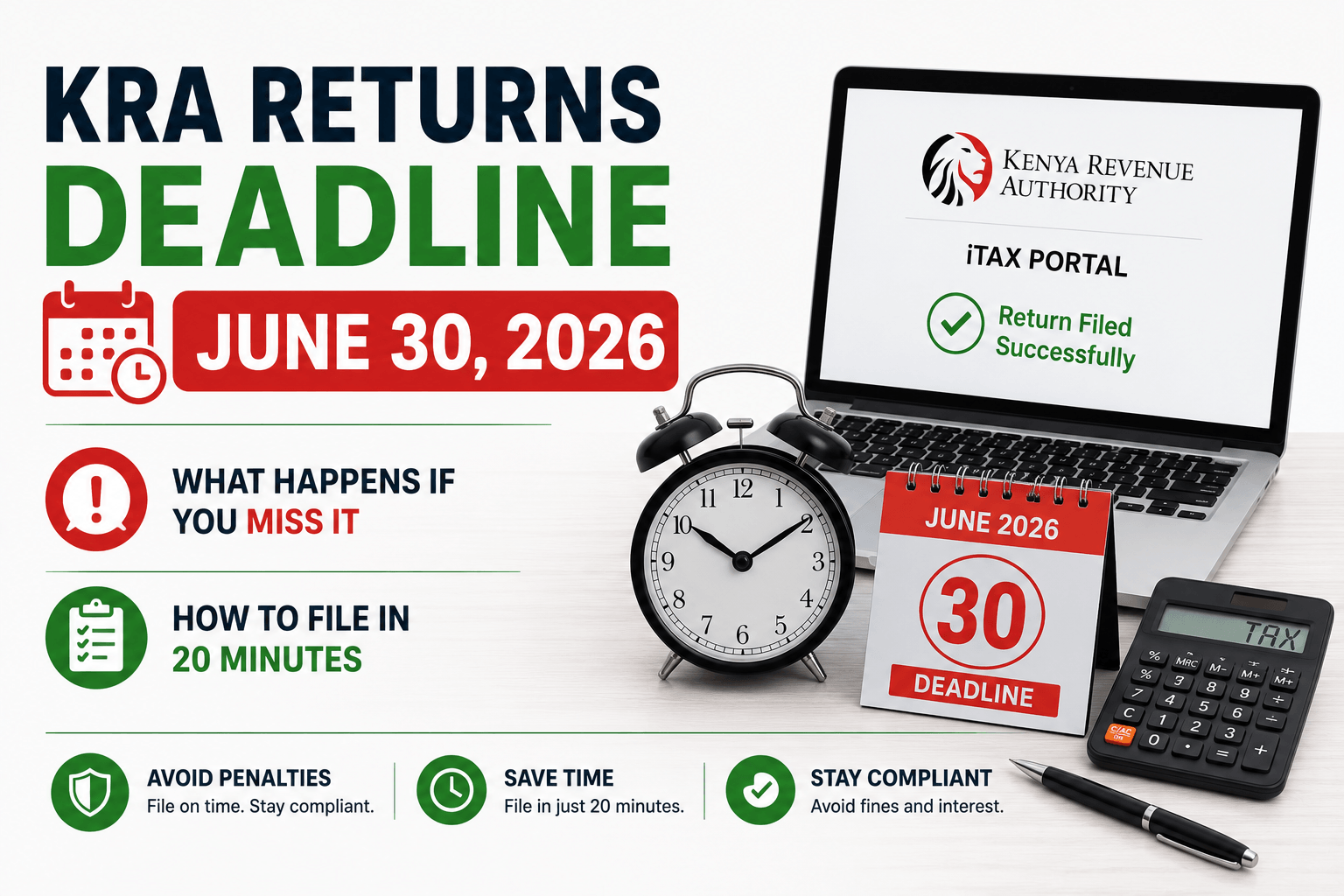
The KRA returns deadline is June 30, 2026 — and if you miss it, the penalty kicks in the very next day, automatically, with no warning and no grace period. No email reminder. No second chance. Just an instant KES 2,000 charge (or 5% of tax due, whichever is higher) generated by KRA’s system the moment July 1 begins.
You are filing for income earned between January 1 and December 31, 2025. This guide tells you exactly who must file, what happens if you don’t, and how to complete your KRA returns in under 20 minutes using the iTax portal — whether you earned income or not.
Table of Contents
- Who Must File KRA Returns by June 30, 2026?
- What Happens If You Miss the KRA Returns Deadline?
- What You Are Actually Filing — 2025 Year of Income Explained
- What’s New in 2026 — The eTIMS Update and AI Pre-Population
- How to File KRA Returns in 2026 — Step by Step (20 Minutes)
- How to File a Nil Return — Step by Step
- Tax Reliefs That Reduce What You Owe — Claim All of These
- The iTax Portal Always Crashes on June 30 — What to Do
- Frequently Asked Questions
Who Must File KRA Returns by June 30, 2026?
The KRA returns deadline of June 30, 2026 applies to every Kenyan with a KRA PIN — and that is a much wider group than most people realise. Under the Income Tax Act (Cap 470) and the Tax Procedures Act 2015, filing is not optional for PIN holders. It is a legal obligation.
You must file by June 30, 2026 if you are any of the following:
Salaried employees — even if your employer deducts PAYE from your salary every month, you are still legally required to file your own annual income tax return. Your employer’s PAYE deductions do not replace your personal filing obligation. They reduce what you owe — but you still file.
Self-employed individuals, freelancers, and consultants — anyone earning income outside a formal employment relationship must declare that income and calculate their own tax liability through the iTax self-assessment system.
Business owners and company directors — both the business and the individual directors must file separately. Companies with a December 31 year-end have the same June 30, 2026 deadline.
Landlords — anyone earning rental income from residential or commercial property must file and declare that income.
Anyone with a KRA PIN and zero income — this is the group that catches the most people off guard. If you have a KRA PIN but earned nothing in 2025 — whether because you are a student, unemployed, between jobs, or your business was dormant — you are still legally required to file a nil return. The penalty for not filing a nil return is the same as for not filing any other return.
The short rule: if you have a KRA PIN, you must file. Period.
What Happens If You Miss the KRA Returns Deadline?
Missing the KRA returns deadline of June 30, 2026 triggers automatic, immediate consequences. These penalties begin accruing from July 1, 2026 — the day after the deadline. There is no grace period.
Here is exactly what you face:
Late filing penalty: The higher of KES 2,000 or 5% of the tax due. For most salaried employees whose PAYE has already been deducted, the tax due may be zero or minimal — meaning the KES 2,000 flat penalty is what applies. But for anyone with a tax balance owing, 5% of a large bill adds up fast.
Nil return penalty: The penalty for not filing a nil return is KES 20,000 for both individuals and companies. This is a sharp jump from the standard late filing penalty — and it surprises many Kenyans who assume that having no income means they have no filing obligation.
Late payment interest: On top of the late filing penalty, late payment interest accrues at 1% per month on any unpaid tax balance. This compounds monthly until the balance is cleared.
The most important thing to know: Filing late is always better than not filing at all. The individual penalty is capped at KES 20,000. If you have already missed a previous year’s filing, file it now — penalties stop growing once you submit.
Can you apply for a KRA penalty waiver? Yes. If circumstances beyond your control caused the late filing, you can address a letter to the KRA Commissioner explaining why you want the penalties waived. There is no guarantee of success, but the waiver option exists. To pursue it, you must first pay all the principal taxes owed, then apply formally. KRA waived penalties in 2025 after the iTax portal crashed on deadline day — but you should not count on this happening again.
In a new policy for 2026, KRA has significantly reduced the penalty waiver window. The easier path is filing before June 30.
What You Are Actually Filing — 2025 Year of Income Explained
The June 30, 2026 KRA returns deadline covers your 2025 year of income — all income earned between January 1, 2025 and December 31, 2025.
Documents you need to gather before you start:
- P9 form from your employer — this is the most important document for salaried employees. It shows your gross pay, taxable benefits, PAYE already deducted, SHIF contributions, NSSF contributions, and Housing Levy deductions for the full year 2025. Request it from your HR or payroll department if you have not already received it.
- Bank statements — for business income, freelance income, or any income outside employment
- NSSF contribution certificate — downloadable from the NSSF portal at eservice.nssf.or.ke
- SHIF contribution record — from the SHA portal at sha.go.ke or your payslips
- Insurance premium receipts — for any life, health, or education insurance policies (needed to claim insurance relief)
- Mortgage interest certificate — from your bank or housing finance institution if you have a home loan on an owner-occupied property
- Pension contribution certificate — if you contribute to a registered pension scheme above the NSSF statutory minimum
Retain all of these documents for at least 7 years. KRA may request them during an audit, and unsupported claims may be disallowed, leading to additional tax, penalties, and interest.
What’s New in 2026 — The eTIMS Update and AI Pre-Population
Two significant changes affect KRA returns filing in 2026 that were not in place in previous years.
eTIMS Expense Declaration — The One-Time Concession
KRA has confirmed that businesses may declare valid expenses not backed by eTIMS or TIMS electronic invoices for the 2025 year of income, but those expenses may be uploaded during filing and will remain subject to validation by KRA after submission.
This is a one-time concession. From the 2026 year of income onwards, all declared income and expenses must be supported by valid electronic tax invoices generated and transmitted through eTIMS or TIMS. If you run a business and have expenses from suppliers who did not issue eTIMS receipts in 2025, you must upload supporting schedules showing supplier PIN numbers when you file — without this, those expenses will be automatically disallowed.
AI Pre-Population and Automatic Validation
In a major update, KRA has integrated systems so that many salaried employees can now see their details pre-populated simply by logging in. The iTax portal pulls data from employer PAYE filings, meaning your employment income, PAYE deducted, and statutory deductions may already be filled in when you open your return.
KRA’s AI engine now scans linked mobile money accounts and bank records. If the system detects taxable income above the relief threshold that has not been declared, it will reject the nil return and prompt you to file a full income tax return instead. This means filing a nil return when you actually had income is now harder to do without being caught — and filing a false nil return can result in audit flags and higher penalties.
How to File KRA Returns in 2026 — Step by Step (20 Minutes)
This guide covers the standard individual income tax return (IT1) for salaried employees and those with additional income sources. The nil return process is covered separately below.
Step 1: Log into iTax Visit itax.kra.go.ke and sign in using your KRA PIN (10-digit number starting with A, P, or your ID number) and your iTax password. If you have forgotten your password, click “Forgot Password” and use your registered email to reset it. If you cannot access your registered email, visit the nearest Huduma Centre with your National ID.
Step 2: Navigate to Returns → File Return From the top navigation menu, click “Returns.” Select “File Return” from the dropdown. A new page will open asking you to select the return type.
Step 3: Select the correct return type
- If you are a Kenyan resident individual: select “Income Tax — Resident Individual (IT1)”
- If you are a company: select “Income Tax — Company (IT2C)”
- Select the year of income: 2025
For salaried employees with no other income source, KRA now offers a simplified web form that is heavily automated, pulling data directly from employer filings. If your return is pre-populated, review it carefully — correct any errors before submitting.
Step 4: Download and complete the Excel return form If the simplified web form is not available for your tax situation, iTax will prompt you to download an Excel-based return form. Download and save it to your computer. Open it using Microsoft Excel or Google Sheets (note: some features work better in Microsoft Excel).
Fill in the relevant sections:
- Section A: Personal details (pre-filled from KRA records — verify these are correct)
- Section B (Employment income): Enter figures from your P9 form — gross pay, benefits, PAYE deducted
- Section C (Other income): Business income, rental income, freelance income, investment income
- Section D (Deductions and reliefs): NSSF, SHIF, Housing Levy, insurance premiums, pension contributions, mortgage interest
Step 5: Upload the completed form Return to the iTax portal. Click “Browse” to locate your completed Excel file. Upload it. The system will validate the form — any errors will be highlighted for correction.
Step 6: Submit and note your acknowledgement number Review the summary. If everything looks correct, click “Submit.” You will receive an acknowledgement receipt with a unique reference number. Download and save this receipt — it is your legal proof of filing. Print it or email it to yourself.
Step 7: Pay any balance owing If your return shows a tax balance due (i.e., PAYE deductions were not sufficient to cover your full tax liability), pay the balance through:
- M-Pesa Paybill 222222 (buy goods) — use your KRA PIN as the account number
- Bank transfer — to KRA’s designated account via your bank’s online platform
Payment must be made by June 30, 2026. Late payment attracts 1% monthly interest on the outstanding balance.
How to File a Nil Return — Step by Step
If you had zero income in 2025 — no employment, no business, no rental, no freelance — you still need to file. Here is the fastest way to do it.
Step 1: Log into itax.kra.go.ke with your KRA PIN and password.
Step 2: Click Returns → File Nil Return.
Step 3: Select “Income Tax — Resident Individual” as your obligation type. Select year of income: 2025.
Step 4: The system will perform an instant validation. If no taxable transactions are found in eTIMS or mobile money records, it will allow you to proceed. If the system detects income you have not declared, it will redirect you to the full IT1 form.
Step 5: Submit. Download your e-Return Acknowledgement Receipt and save it. This is your proof of compliance.
You can also file a nil return via the KRA M-Service App or by dialling *572# on Safaricom. Both are faster than the web portal on a mobile connection.
Important: A common misconception in 2026 is that “the AI will file for me.” This is false. The responsibility to file lies with the citizen. If June 30 passes without a submission, the KES 2,000 penalty is generated instantly.
Tax Reliefs That Reduce What You Owe — Claim All of These
Many Kenyans overpay tax simply because they do not claim all the reliefs they are entitled to. Before you submit your KRA return, check each of these:
Personal relief — KES 2,400 per month (KES 28,800 per year) This is automatically applied to every individual taxpayer. You do not need to claim it separately — it reduces your calculated PAYE by KES 2,400 every month.
Insurance relief — 15% of qualifying premiums, maximum KES 5,000 per month You can claim 15% of premiums paid for qualifying life, health, or education insurance policies, up to a maximum relief of KES 5,000 per month. Annual maximum: KES 60,000. You need the insurance premium receipts or certificate from your insurer.
Mortgage interest relief — up to KES 25,000 per month If you have a home loan on an owner-occupied property and pay mortgage interest, you can deduct up to KES 25,000 per month (KES 300,000 per year) from your taxable income. Get the mortgage interest certificate from your bank.
NSSF contributions — fully deductible Your NSSF contributions for 2025 are deductible from taxable income. Enter the figure from your P9 form or NSSF annual statement.
SHIF contributions — pre-tax deduction SHIF contributions are already deducted from gross salary before PAYE is calculated via your employer’s payroll. Ensure the figure on your P9 form matches your actual SHIF contributions for 2025 — see our SHIF contribution rates Kenya 2026 guide for how this is calculated.
Pension contributions — up to KES 20,000 per month If you contribute to a registered pension scheme above your NSSF statutory contribution, up to KES 20,000 per month is deductible. You need a certificate from your pension scheme administrator.
Housing Levy — pre-tax deduction The 1.5% Affordable Housing Levy is deducted from gross salary before PAYE — already reflected in your P9 form. No separate claim needed.
For a full breakdown of how all these deductions interact with your gross salary to determine your net tax position, use our Kenya PAYE Calculator 2026 which walks through every line of a payslip.
The iTax Portal Always Crashes on June 30 — What to Do
This is not speculation. Waiting until June often leads to portal timeouts and errors that prevent submission, discovering missing documents too late to obtain, and losing your completed Excel form due to a browser crash mid-upload.
In 2025, the iTax portal experienced severe congestion and downtime on June 30. KRA issued a waiver for penalties that arose due to the technical failure. But that waiver was not guaranteed — and in 2026, KRA has reduced the waiver window. Do not count on the system crashing to save you.
Practical steps to avoid the June 30 crash:
- File before June 25. This is the safest window. The portal runs normally in the week before the final rush.
- File early in the morning. If you must file in late June, access iTax between 5am and 8am or after 9pm — peak congestion is 9am–6pm.
- Have your P9 form and all documents ready before you start. A session timeout mid-filing resets your progress. Gather everything first, then log in.
- Save your completed Excel form locally before uploading. If the upload fails, you still have the completed form to retry.
- Use the M-Service App for nil returns. It is faster and more stable than the web portal under congestion.
- If you cannot access your registered email to reset a forgotten password, visit a Huduma Centre. For most basic tasks, the KRA M-Service App is now a robust alternative for mobile filing.
Frequently Asked Questions – KRA Returns Deadline
What is the KRA returns deadline in 2026? The KRA returns deadline for individuals and companies with a December 31 year-end is June 30, 2026. You are filing for income earned from January 1 to December 31, 2025. Filing even one day late triggers an automatic penalty from July 1, 2026 with no grace period.
What is the penalty for late filing of KRA returns in 2026? The late filing penalty for individuals is the higher of KES 2,000 or 5% of the tax due. For companies, the late filing penalty is the higher of KES 20,000 or 5% of tax due. Additionally, late payment interest of 1% per month applies on any unpaid tax balance. The individual late filing penalty is capped at KES 20,000, but interest on unpaid tax has no cap.
Do I need to file KRA returns if my employer deducts PAYE? Yes. Employees, even if your employer deducts PAYE, must still file your own annual return. Your employer’s PAYE submissions do not replace your personal annual filing obligation. You use the P9 form your employer provides to complete your individual return.
What is the penalty for not filing a nil return? The penalty for not filing a nil return is KES 20,000 for both individuals and companies. This surprises many Kenyans who assume that having no income means they have no filing obligation. If you have a KRA PIN, you must file — even if you earned nothing in 2025.
Can I file KRA returns on my phone? Yes. For most basic filing tasks including nil returns, the KRA M-Service App is a robust alternative to the web portal for mobile filing. You can also file a nil return by dialling *572# on Safaricom. For complex returns with multiple income sources, the full iTax web portal at itax.kra.go.ke is recommended.
What happens if I have never filed KRA returns for multiple years? Each missed year has its own separate penalty. The Finance Bill 2026 includes a tax amnesty provision for outstanding KRA liabilities relating to periods up to December 31, 2025 — the amnesty expires December 31, 2026. If you have multiple unfiled years, this amnesty may allow you to regularise your position at a reduced cost. Watch the KRA website at kra.go.ke for the official amnesty process once the Finance Bill is enacted. See our Kenya Finance Bill 2026 guide for the full detail on this provision.
What if the iTax portal is down on June 30? File before June 30 — ideally before June 25 — so this risk does not apply to you. If the portal is genuinely inaccessible on the deadline day due to a technical failure, KRA has previously issued waivers (as in 2025). However, in 2026 KRA has reduced the waiver window and a repeat waiver is not guaranteed. Do not rely on a technical failure to grant you more time.
File Today — The Cost of Waiting Is Real – KRA Returns Deadline
The KRA returns deadline of June 30, 2026 is 21 days away. The iTax portal is running normally right now. Your P9 form is available from your employer. The filing takes 20 minutes if you have your documents ready.
The cost of waiting is real: a KES 2,000 penalty for most individuals, KES 20,000 for nil return non-filers and companies, and 1% monthly interest on any unpaid tax. None of these amounts are recoverable once July 1 arrives.
If you need help understanding how your PAYE, SHIF, NSSF, and Housing Levy interact to determine your overall tax position for 2025, use our Kenya PAYE Calculator 2026 before you file — it walks through every deduction at your salary level and helps you identify any reliefs you may be missing. And if you are still getting to grips with the SHIF contribution rates that changed in October 2024, our dedicated guide covers every rate and calculation.
File before June 25. Do not wait for June 30.
All KRA penalties and filing requirements sourced from the Kenya Revenue Authority official portal (kra.go.ke), the Tax Procedures Act 2015, and the Income Tax Act (Cap 470). eTIMS update confirmed from KRA official notice (June 2026) via Khusoko. Step-by-step process verified against iTax portal (June 2026), HapaKenya (February 2026), Mutea & Associates CPA guide (June 2026), and Pedo Associates Tax Filing Guide (April 2026). This article is for informational and educational purposes only and does not constitute tax advice. Consult a licensed tax practitioner for complex returns. Last updated: June 9, 2026.