Common M-Pesa Scams in Kenya and How to Avoid Them (2026)
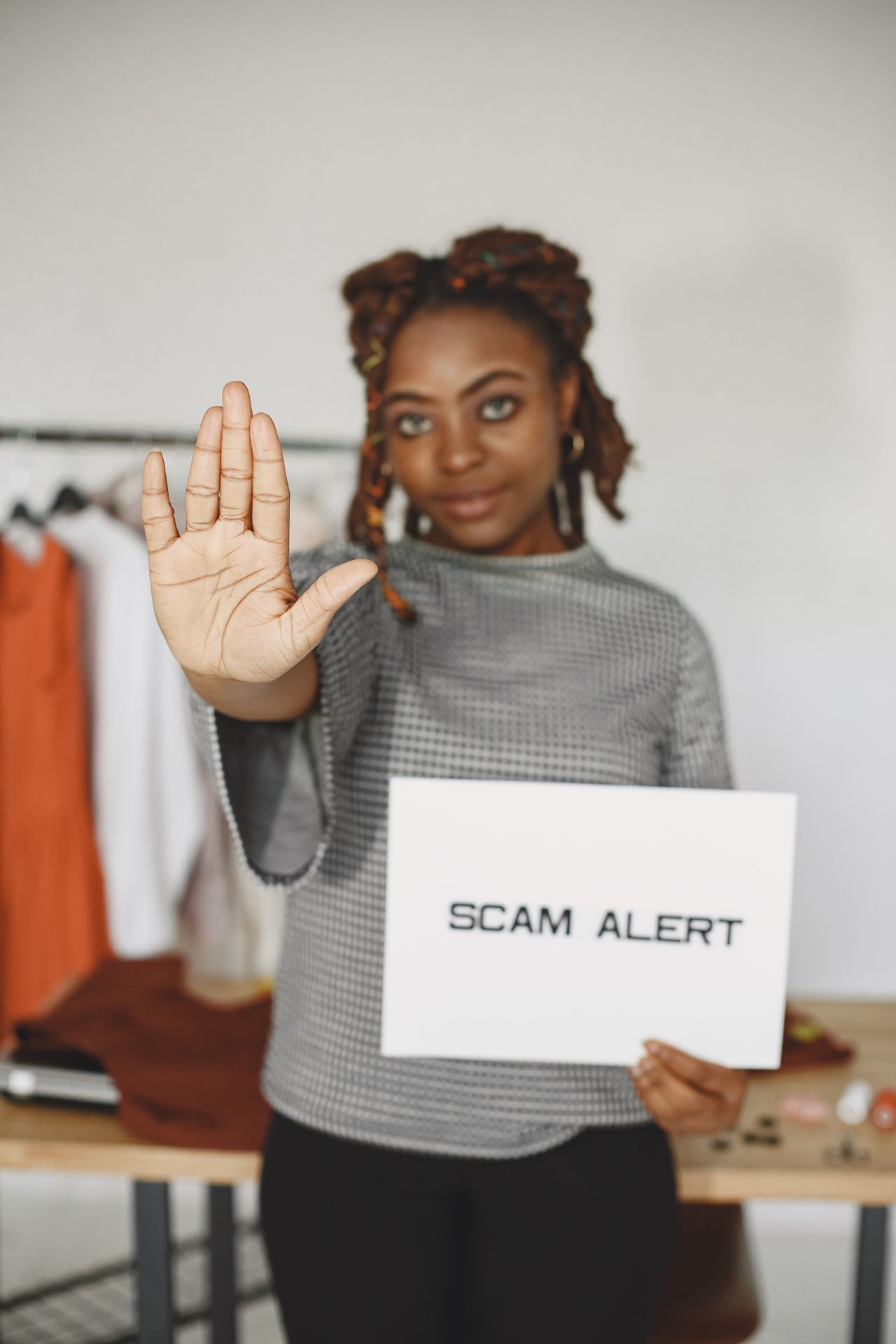
Common M-Pesa scams in Kenya work because they hurry you. A message arrives, a caller panics you, and you act before you check.
Most can be stopped with one habit: check your balance yourself before you do anything.
This guide covers the main scams, how to reverse a payment sent to the wrong person, and what to do if you’ve been tricked.
Quick answer
- Never send money back until you have checked your own M-Pesa balance.
- Never share your M-Pesa PIN or OTP with anyone.
- A genuine M-Pesa message comes from “MPESA”, not from a customer’s phone number.
- To reverse a mistaken payment, forward the M-Pesa message to 456 within 24 hours.
1. The Fake “Locked” Message
Fraudsters send a fake M-Pesa message that looks genuine, but the new balance reads “LOCKED”. A real M-Pesa message is sent from M-Pesa, not from a customer’s line.
Safaricom’s advice is to never send money back before you check your own balance, and to double-check the number whenever you send money.
2. The “Sent by Mistake” Call
Someone calls or texts saying they sent you money by mistake and begs you to return it. If you refund first, you lose real money.
Safaricom’s guidance is not to call back or reverse the money yourself. Ask the sender to forward the message to 456 or call Safaricom for help.
3. Fake Customer Care and PIN Requests
No Safaricom agent, bank or “support” person needs your M-Pesa PIN or OTP. Keep your PIN secret and never share it with anyone.
4. Fake Offers and “Free Money”
Messages promise free cash or unlock fees. See our guide to 100 free money to M-Pesa and our guide to referral code scams.
5. Cloned Shops and Till Numbers
Scammers copy a trusted brand and ask you to pay a till number. See our Black Friday scams guide. Pay only through the official checkout, and check the name that shows before you confirm.
6. Fake Grants and Loans
Offers of grants or loans that need a “processing fee” are scams. Read our guide to fake government grants.
How to Reverse an M-Pesa Payment Sent to the Wrong Number
- Find the original M-Pesa confirmation SMS.
- Forward the whole message to 456. This works for Safaricom-to-Safaricom transfers and must be requested within 24 hours.
- Wait for the “Reversal” reply. You get a message saying the request has started and an update will follow within 2 hours.
- Other channels: the M-Pesa app, the mySafaricom app, or the Zuri chatbot.
- If the recipient won’t cooperate: the usual next step is a police report with an OB number.
You can try up to three times per transaction. Wrong PayBill payments can also involve the receiving organisation, so call Safaricom customer care.
If You’ve Already Been Scammed
- Stop sending money, including “recovery fees”.
- Call Safaricom through its official channels straight away, especially if you shared your PIN.
- Forward the scam message or number to 333.
- Report to the police or the DCI and keep screenshots.
How to Protect Yourself
- Check your balance on your own phone, never from a message alone.
- Verify the name on screen before confirming a payment.
- Don’t install apps from links sent in chats.
- Tell older relatives about these tricks.
Frequently Asked Questions
How do I reverse M-Pesa sent to the wrong number?
Forward the confirmation SMS to 456 within 24 hours.
Is a message from a normal number a real M-Pesa message?
No. Genuine M-Pesa messages come from “MPESA”.
Should I send back money someone sent me by mistake?
Not until you check your balance. Ask them to use 456.
Who do I report an M-Pesa scam to?
Safaricom, the police or the DCI, and forward messages to 333.
Safaricom’s processes change. Confirm current steps on Safaricom’s official website. This article is for information only.